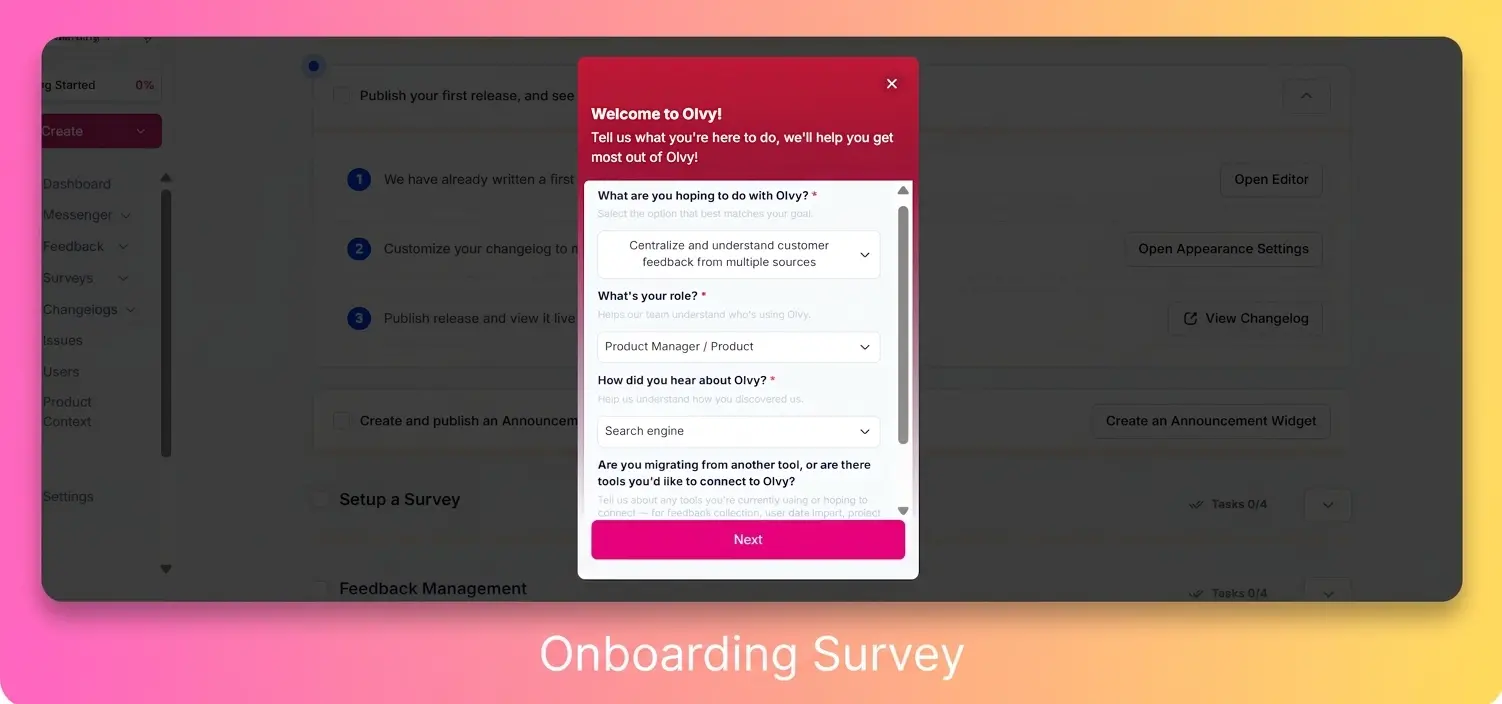
New Olvy sign-ups will now see a short onboarding survey right after creating a workspace—built using Olvy’s In‑app survey widgets. It helps us understand what you’re here for (besides exploring buttons) so we can personalize the workspace experience over time.
If you’re looking to boost activation in your own product, this is a great pattern to borrow: trigger a lightweight in‑app survey at key moments (like onboarding or after a milestone) to capture intent early, segment users, and tailor what they see next—basically, fewer “where do I start?” moments for everyone.
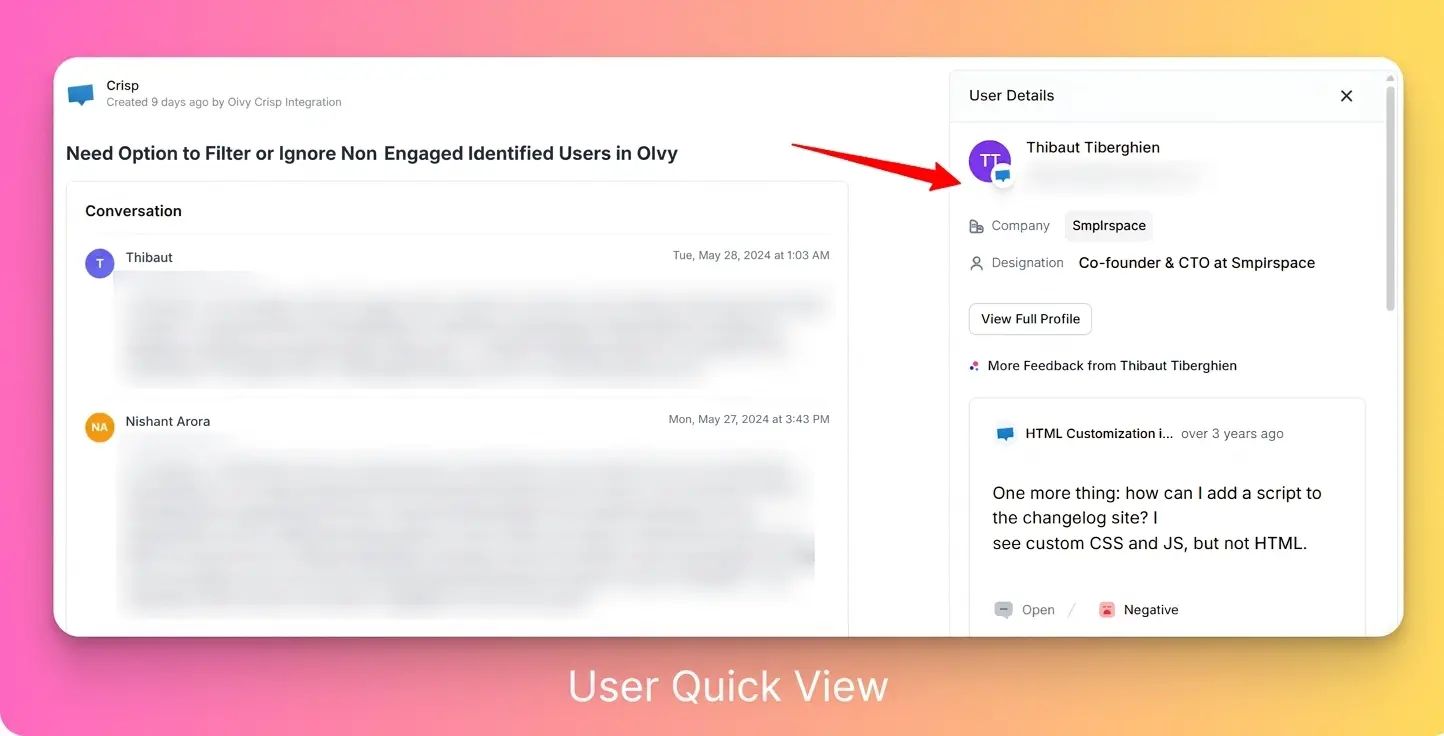
👤 Participant quick view (hover to preview details)
You can now preview participant details anywhere in the app - no tab-juggling required. Just hover to see email, company, and a quick interaction timeline while you review feedback. Available in Feedback Source details, Feedback Inbox details, and Messenger details.
🗑️ Bulk delete Feedback Sources
Bulk-select Feedback Sources and delete them to clear out duplicates or those “we’ll need this later” test imports. It also deletes linked feedback - an actual cleanup, not a rug-sweep.
🔧 Fixed participant mapping for Intercom chats without an email
Intercom chats now sync correctly even when Intercom doesn’t provide the user’s email (because of course it doesn’t sometimes). This fixes participant mapping so conversation context is captured reliably.


